ADVERTISEMENT


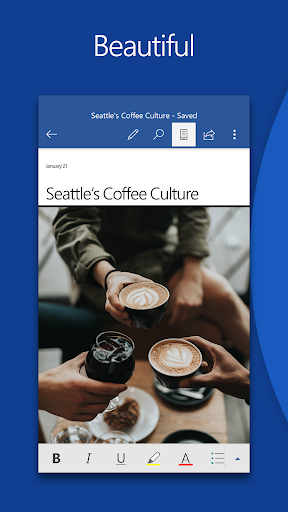
The Microsoft Word: Edit Documents app is a powerful tool designed for users who need to create, edit, read, and share documents on the go, all while maintaining the familiarity and functionality they expect from Microsoft Word on their PC. By downloading the Microsoft Word: Edit Documents app, users can easily handle a variety of writing tasks such as CVs, letters, assignments, and more, directly from their mobile devices. This app ensures that users can work efficiently and effectively no matter where they are. 📱
With the integration of advanced editing tools, a built-in document viewer, and user-friendly features, the Microsoft Word: Edit Documents app is set to revolutionize the mobile writing experience. Whether you are a student, a professional, or simply need to jot down creative notes, installing the Microsoft Word: Edit Documents app will streamline your writing process. ✍️
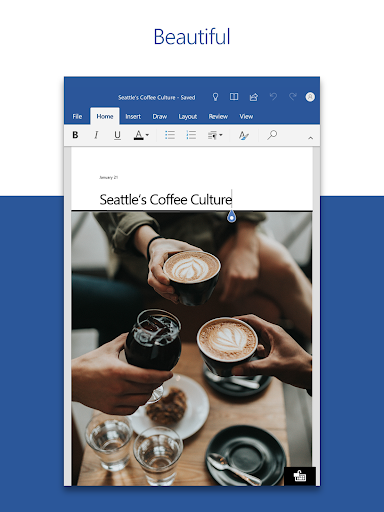
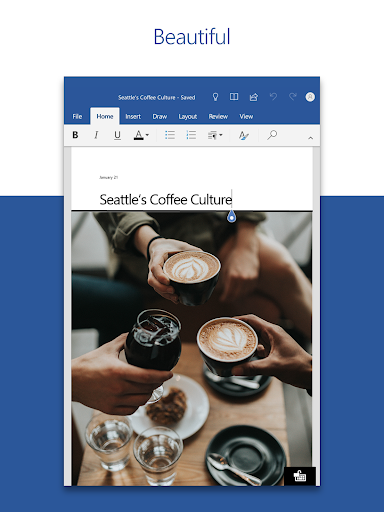
1. Create Documents: Start off with modern templates designed for various needs including letters, CVs, and invoices. Users can easily customize their documents using rich formatting tools to present their ideas clearly.
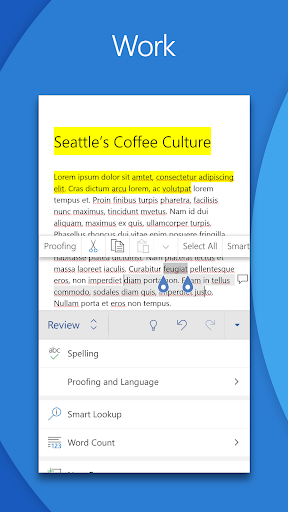
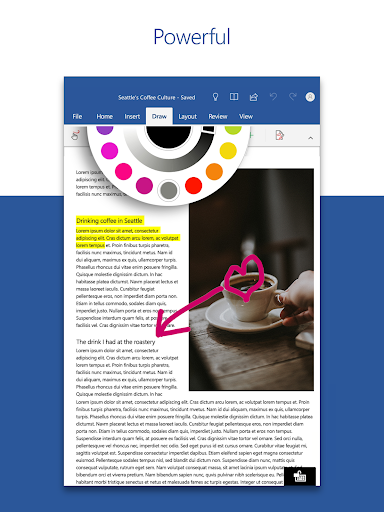
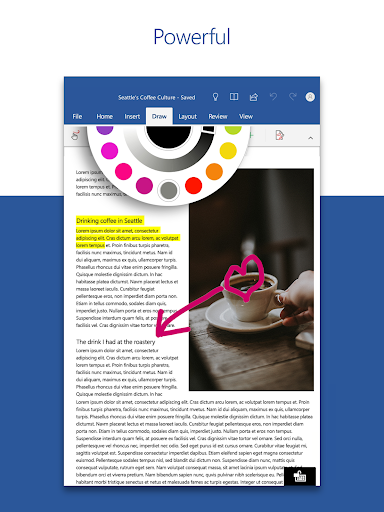
2. Read, Write and Edit Anywhere: The app allows users to edit lengthy documents with familiar writing and formatting tools, all accessible on any device.
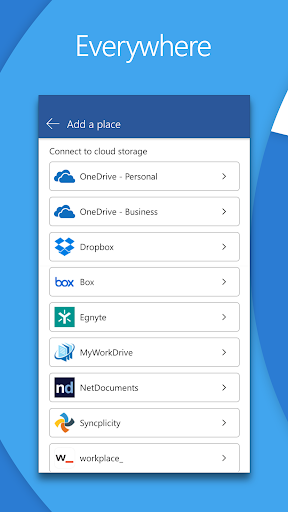
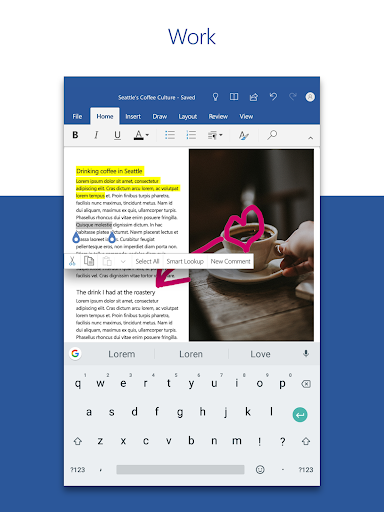
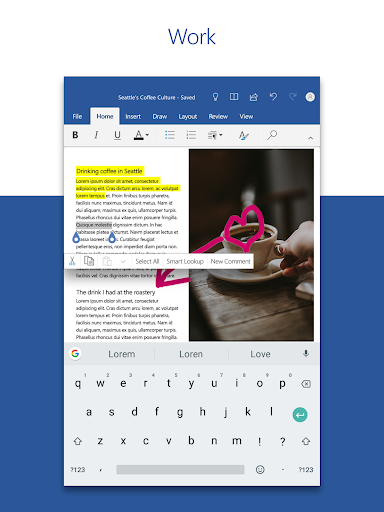
3. Collaborate and Share: Comment concurrently with others, track changes, and manage document versions effectively to enhance collaboration.
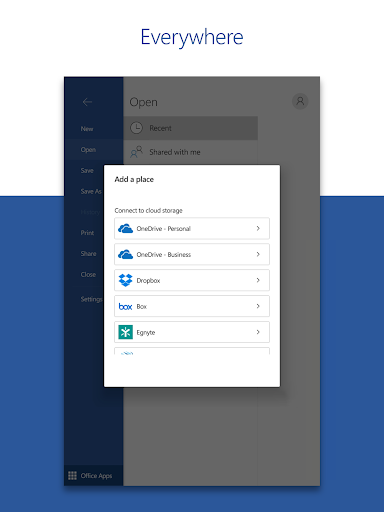
4. Simplified Sharing: Easily invite others to edit or view your documents with a few simple taps, making teamwork seamless.
5. AI Assistance with Copilot: Take advantage of AI features that assist in drafting CVs, polishing proposals, and organizing ideas quickly, demonstrating the app's commitment to intelligent design.
1. The Microsoft Word: Edit Documents app offers a secure platform for all your document needs, ensuring your work is safe and private.
2. Its user-friendly interface and familiar tools create an effortless transition for new users, making it easy to start writing right away.
3. The ability to convert PDFs into editable Word documents is a standout feature for users needing flexibility in format.
4. The app is free to download and use, with optional features available through a Microsoft 365 subscription, ensuring accessibility for all. 🌟
The overall user reception of the Microsoft Word: Edit Documents app has been positive, with many praising its functionality and ease of use. Users appreciate the seamless integration between devices and the convenience of editing documents on mobile. Feedback highlights the app's efficient collaboration tools and the utility of AI assistance, making it suitable for students, professionals, and creatives alike. However, some users express a desire for additional features that could enhance their experience even further. ✨
The Microsoft Word: Edit Documents app is compatible with both Android and IOS devices, ensuring a broad audience can access its robust features. The minimum system requirement is 1 GB RAM or higher, which allows for smooth performance across supported devices.
For those looking to fully utilize this app, having a qualifying Microsoft 365 subscription unlocks additional capabilities, making it a comprehensive option for document editing. Don’t miss out on enhancing your writing productivity—download the Microsoft Word: Edit Documents app today!